Gallery Technical Documentation
This entry explains how the Hegepedia Gallery works.
Terminology
See Hegepedia Technical Documentation for a full terminology.
Directory Structure
Gallery items are technically regular Hugo pages.
They are stored each in their own directory, under the content/media/ directory. This is further subdivided by year, to avoid having too many subdirectories.
Here is the structure:
content/
  media/
    YYYY/
      {slug}/
        index.md
        original.png|jpg|avif|webp|gif|svg|mp4
        thumbnail.png
        opengraph.png
When the site is built, this directory is mapped to /hegepedia/gallery/, so that gallery entry pages show up in the right place in the final URL structure.
Files and Directories
- YYYY
- The name of this directory is the year that the gallery item was added, like
2026. - {slug}
- This is a short unique identifier. Together with the year this forms the gallery item ID:
YYYY/{slug}. So for example if the year directory is2026and the slug ishege, the ID becomes2026/hege. - index.md (required)
- This file holds the metadata for the gallery item.
- original.png|jpg|avif|webp|gif|svg|mp4 (required)
- This is the original file, in any of the supported formats. There must be one and only one original file.
- thumbnail.png (required if video, else optional)
- A thumbnail for the gallery item. If this file does not exist, a downsized version of the original will be used. If the original is a video however, this cannot be done automatically, so in this case the thumbnail file must be present.
- opengraph.png (optional)
- The image to use when sharing the gallery item on social media. If it is not present, it will be automatically generated by downscaling and cropping the original.
The Metadata File: index.md
As an example, here is the index.md file for the The Typewriter gallery item:
+++
draft = false
title = 'The Typewriter'
date = "2026-10-05"
gtags = ['metanarrative', 'image', 'instrument-of-power',]
[params]
    caption = 'The Typewriter'
    alt = 'A light blue Facit Privat'
    artist_name = '<unknown>'
    artist_url = ''
    pub_date = '2026-09-21'
    pub_url = 'https://x.com/HegeCoin/status/2102046684641468607'
+++

The Typewriter is an Instrument of Power in the Hege metanarrative.

<!--more-->

The Typewriter is an Instrument of Power in the Hege metanarrative.

See {{< hp/elink "the-typewriter" >}} for more details.
File Structure
The index.md file is split in two parts, the header and the content.
The header comes first, delimited by +++ above and below it. The inside of the header consists of simple key-value pairs, in TOML format.
Below the header, separated by one blank line, then comes the content of the file. This part is interpreted as Markdown, by the CommonMark specification.
The text above the <!--more--> marker will be used as a description for search engines and when sharing on social media. The text below the marker will be shown on the gallery page, right below the image.
Header Fields
Here is a list of all the fields in the header, and what they do.
- draft (required)
- A Hugo parameter. When this is set to
true, this item will not be published when building the site. And conversely, when set totrue, the item will be published. - title (required)
- The title of the image. This will be shown in the title bar of the web browser, on the gallery entry page, and as a title when sharing the item on social media.
- date (required)
- The date the item was added into the Gallery.
- gtags (optional)
- A list of zero or more tags for the item.
- [params] line (required)
- This line starts the Hugo custom params section, and must be present.
- caption (required)
- The caption of the item. This will be shown when including this item in other entries.
- alt (required)
- A text describing the image. This will be used for
altattributes in HTML code. - artist_name (optional)
- The name of the artist that created this item.
- artist_url (optional)
- An URL to the artists’ website or X account or similar.
- pub_date (optional)
- The date this artwork was first published.
- pub_url (optional)
- The URL at which this artwork was first published.
The Gallery Item File: original.xxx
The original.xxx file is the file that contains the actual item (image or video).
The Gallery supports the following file formats, determined by the extension of the original.xxx file.
- PNG:
.png - JPEG:
.jpg - Avif:
.avif - Webp:
.webp - Gif:
.gif - SVG:
.svg - MP4:
.mp4
Note that MP4 is the only supported video format.
There can only be one original.xxx file. So if you have an original.png file, that must be the only file, you cannot also have a gallery.jpg, and so on.
Selection of the original file is done by the g/get-original.html partial.
The Thumbnail File: thumbnail.png
The thumbnail.png file is used as a thumbnail for the gallery item.
If this file is present, it must be in PNG format. If this file is not present, the original.xxx file will be used instead.
Special case: video items must have this file present, as thumbnails cannot automatically be generated from video files. For videos, this file will also be used as the poster attribute on video HTML elements.
Selection of the thumbnail file is done by the g/get-thumb.html partial.
The OpenGraph File: opengraph.png
The opengraph.png file is used as the OpenGraph image when sharing the item to social media.
If this file is present, it must be in PNG format. If this file is not present, the original.xxx file will be used instead, by fitting it within 1800x945 pixels, and then cropping it to 1200x630 pixels, anchoring to the middle of the image.
Selection of the OpenGraph file is done by the g/get-og.html partial.
Shortcodes
There are several shortcodes that can be used to include gallery items in Hegepedia entries.
See Example Hegepedia Entry for examples of them.
OpenGraph Images
Gallery items can be used as OpenGraph images for pages across the entire Hegecoin website (including the Hegepedia).
Set the og_id parameter on any page to set the gallery item to use as an OpenGraph image for that page.
Below are two examples.
This is the open OpenGraph image generated for the gallery item with ID 2026/hege:

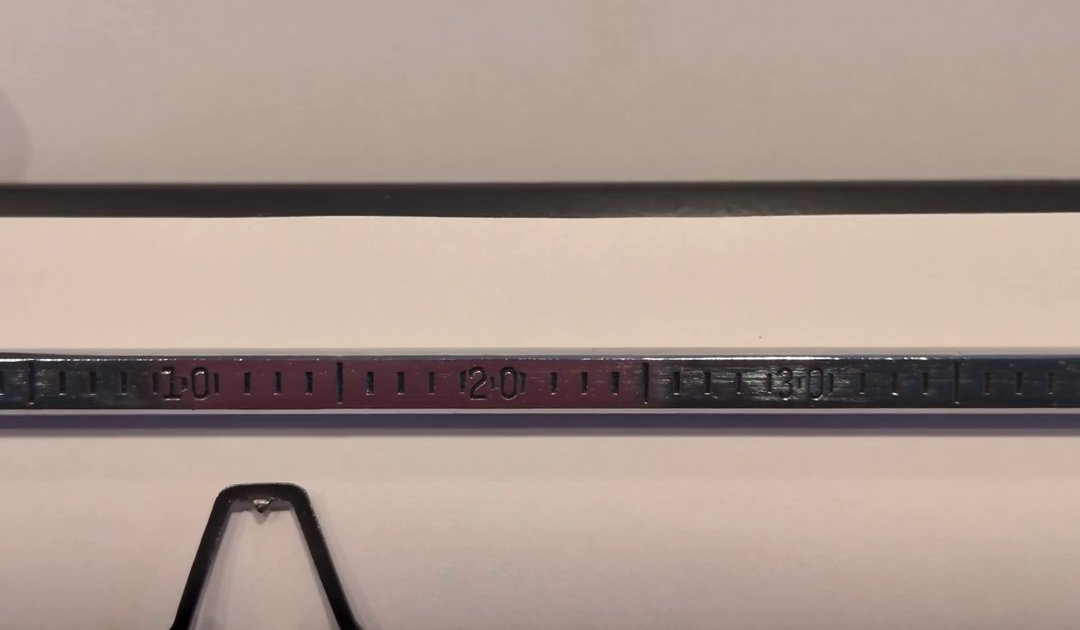
And here is the OpenGraph image generated for the gallery item with ID 2026/the-typewriter-typing (this is a video, so the video’s thumbnail.png file is used to generate the image):
See Also
This page was 100% written by human with ❤️.